
From approval to delivery
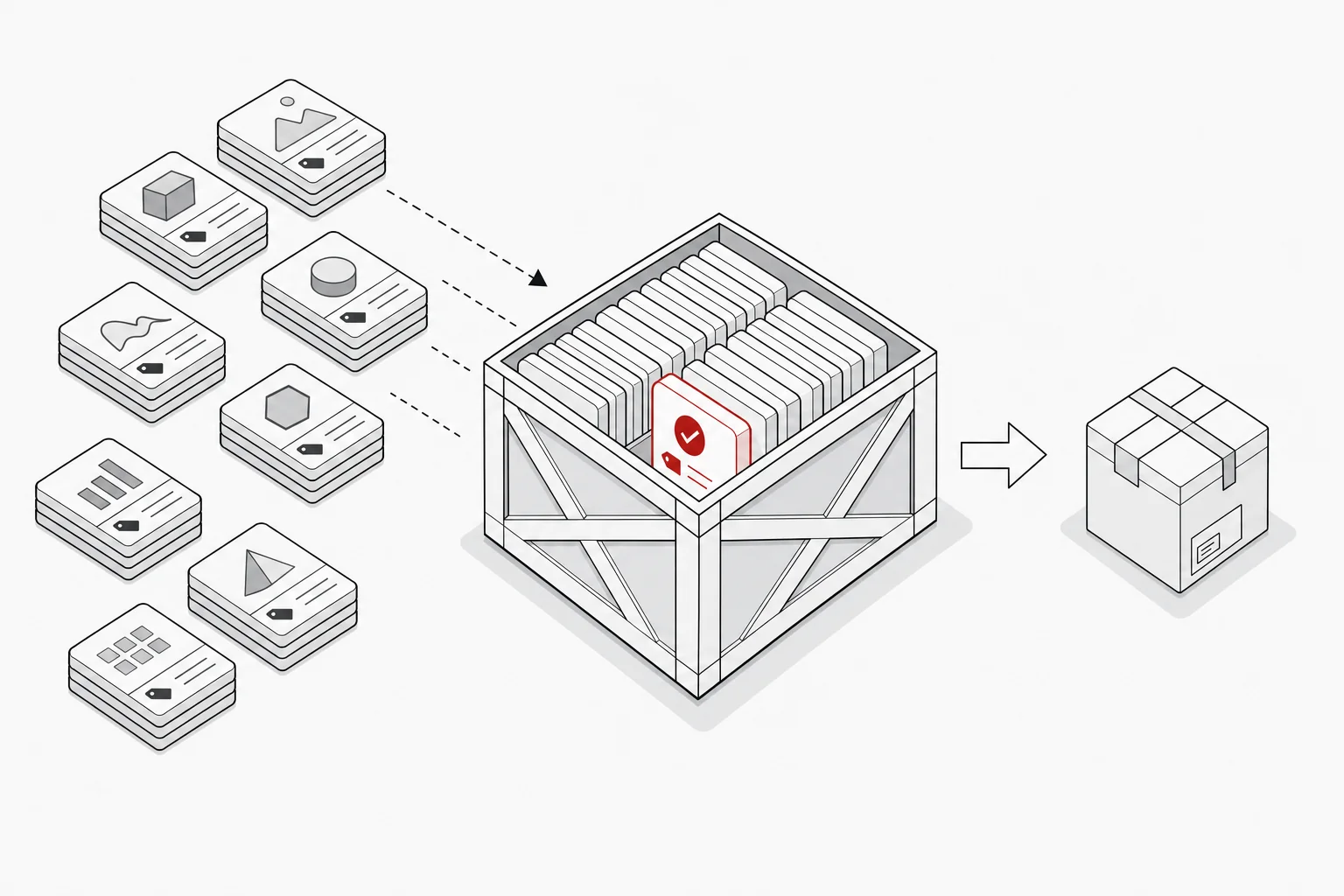
Delivery is the last stage of the unit stills workflow, and it begins where approval ends. Once cast have reviewed the shoot and rejected frames have dropped out, what remains is the approved set, from which the key selects are drawn. Delivery turns that set into a clean, usable package for distributors and sales agents.
The cardinal rule is that only signed-off images leave the production. If you have not yet read how images reach this point, see how talent image approvals work and the companion guide on unit stills photography. Connecting approval to delivery is what stops a rejected frame ending up in a press kit.
Selecting and captioning
From the approved pool, the unit publicist or producer finalise the key selects: the tight, polished set the distributor will actually use. This is a smaller, deliberate cut, not the whole shoot.
Each select then needs a caption. A good caption names the production, identifies the people in the frame from left to right, and carries the photographer credit and copyright line. Captioning at this stage means the information is ready to embed, rather than chased down later by someone working to a deadline. Agreeing a caption template up front keeps wording consistent across the whole set.
Metadata and preserving edits
Captions and credits should be written into each file as image metadata using the IPTC fields. Embedded this way, the credit and usage details travel inside the image itself and survive copying and renaming as it passes between hands.
Embedding alone is not quite enough, though, because metadata can be stripped. Some third-party platforms discard it on upload, and once it is gone the caption and credit are gone with it. So keep a caption sheet alongside the delivery: a document listing each file name, a thumbnail of the image for reference, its caption, and the metadata fields embedded in it. It costs little to produce and means the production always holds an independent record of what every image said, one that can be handed over on request, or used to rebuild the metadata if a set comes back stripped.
Edits are a separate concern. A RAW file is never altered directly; adjustments are stored alongside it in an XMP sidecar, or held inside a Capture One catalogue. Keeping sidecars with their RAWs in the archive means a grade can be revisited or re-exported at any time. For more on how this works, see everything you need to know about XMP files.
It is also possible to collapse the edits and metadata into a single file, rather than keeping a RAW and its sidecar side by side, by exporting to DNG or TIFF. That removes the risk of the two becoming separated, which is a real advantage, but the two formats behave very differently, and the difference matters.
DNG is the better choice of the two. Written by software such as Adobe Lightroom, Bridge or Adobe DNG Converter, a DNG can carry the original sensor data along with the adjustments as reversible instructions, so the edits stay non-destructive: you can still reopen the file, wind the grade back, or recover the original crop. It is also far more manageable in size. The caveat is that this depends on how the file was made, because not every DNG export preserves that headroom, so confirm the export settings rather than assuming.
TIFF is the one to be careful with. TIFFs are large, and at the volumes a unit shoot produces the storage and transfer cost mounts quickly. More importantly, a rendered TIFF bakes the edits in: you are no longer holding the original capture plus a set of reversible instructions. If a distributor later asks for a different grade or a wider crop, you cannot dial the adjustments back; you are hunting down the original RAWs to start again.
Whichever you use, archive the RAWs and their sidecars as the master record, and treat a flattened export as a deliverable rather than a replacement for it.
File naming and formats
Recipients should be able to navigate the package without guessing. Apply a consistent naming scheme (production, date or scene, and sequence) so files sort logically and stay traceable; file naming conventions sets out a workable pattern.
For format, convert the RAW originals to high-quality JPGs so recipients have ready-to-use files, while keeping the RAWs and their sidecars archived for any future re-grade. Match resolution and colour space to what the recipient needs; our photography delivery specs cover common requirements. Where images are shared before final sign-off, watermarking preview copies protects them in transit.
Secure hand-off and sign-off
Stills are valuable and embargoed, so the transfer itself matters. Use a secure, access-controlled channel rather than open email attachments, and share only with the people who need the files.
A contact sheet gives the recipient a single overview of the whole package, with thumbnails, captions and reference numbers in one view, making a final sign-off quick and unambiguous. When delivery is driven from the approval record, the package is assembled from approved key selects alone, with a clear trail of what was sent and to whom. To see the full workflow in action, book a demo.