
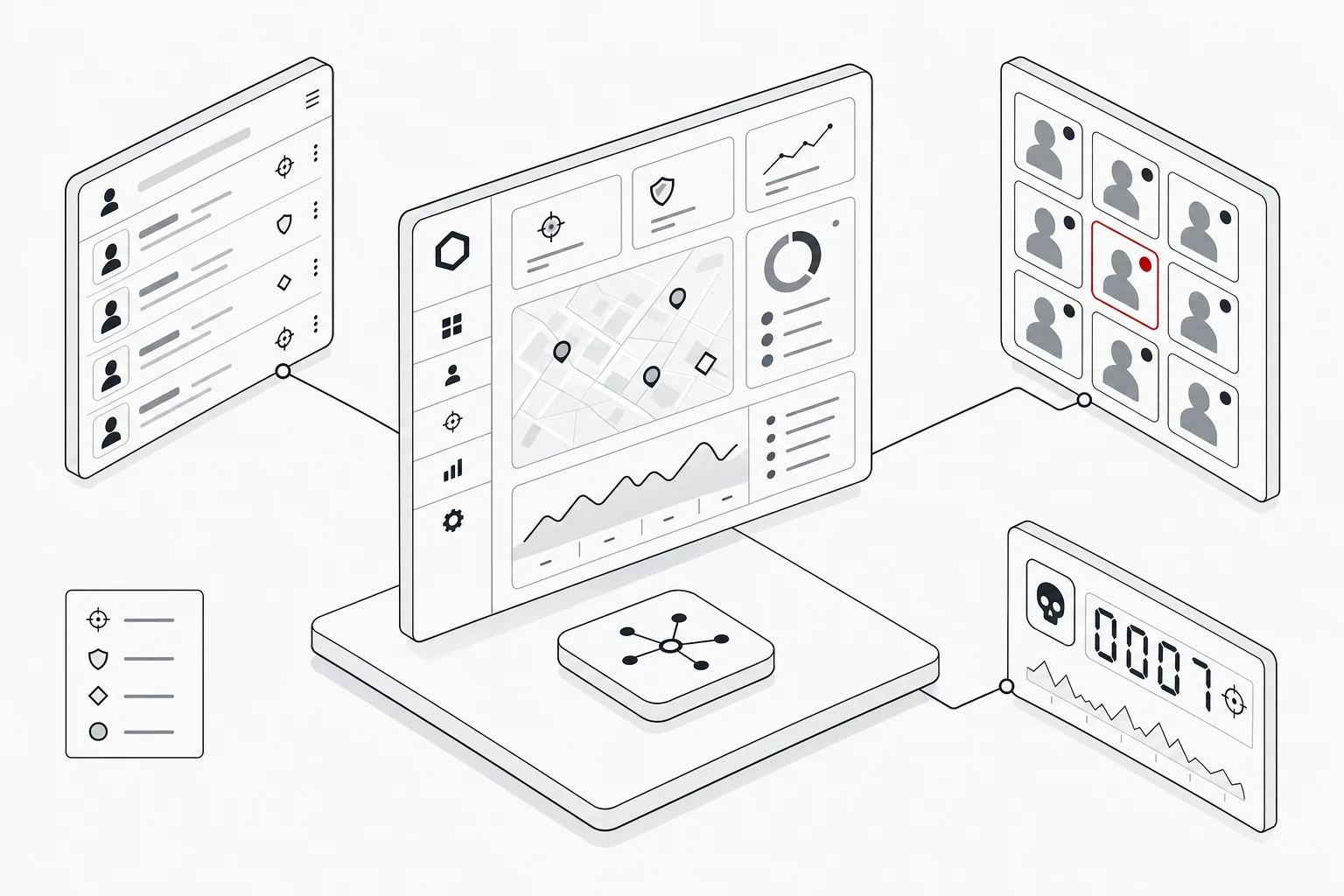
How most productions approve stills today
Most film and TV productions still run cast stills approvals on a patchwork of Dropbox or WeTransfer links, email threads and spreadsheets, and it works until volume rises. A unit photographer delivers hundreds of frames, a publicist drops them into a shared folder, and someone emails each actor’s representative a link asking which images they approve. The replies come back in prose, get transcribed into a spreadsheet, and the publicist tallies the result by hand.
The problem is kill rights. Most cast contracts let an actor reject, or “kill”, a set proportion of the images they appear in, and the figures differ for solo shots and group shots. To know whether an actor is within their limit you have to count every image they appear in, separate solo from group, and recalculate the percentages each time new images arrive. Doing that manually across a full cast is slow and error-prone, and a single miscount risks publishing an image the actor was contractually entitled to kill.
Shared links also offer no secure per-actor access: anyone with the URL sees everything, including other actors’ frames, and there is no timestamped record of who approved what and when.
The hidden cost: images that never make it
The most expensive consequence of manual approvals is rarely the miscount: it is everything that quietly gets thrown away. When a production or publicity firm is trying to wrangle thousands of stills through cast approvals by hand, the volume becomes unmanageable, and the pragmatic response is to cut it down: whole swathes of images are dropped from the process entirely, often without anyone ever reviewing them or showing them to the cast. They are not rejected on their merits. They are dropped because there was no realistic way to get them through the process in time.
That waste hits twice. First financially: those frames have already been paid for (the photographer, the shoot days, the access, the lab work) and an image that never reaches approval delivers nothing back against that cost. Second, and more damagingly, it shrinks the pool of usable publicity material down to a fraction of what was actually shot. The campaign ends up drawing on the handful of images that happened to survive an administrative bottleneck, rather than on the best of the coverage. Strong frames that would have cleared approval easily never get the chance to.
This is the quiet argument for doing approvals properly. A process that can carry the full set through review, rather than triaging it down to whatever is manageable by hand, means the marketing team chooses from everything the production paid to create. For a fuller walkthrough of the process itself, see how talent image approvals work.
Why general media-review tools are not the same thing
General media-review and collaboration tools are excellent at gathering feedback, but they are not built for talent stills clearance. The category divides roughly into two: video and VFX review and production-tracking platforms, such as Frame.io, Autodesk ShotGrid and PIX, built for frame-accurate annotation, version stacks, shot status and pipeline management; and photographer-facing proofing galleries, such as picdrop, built so a photographer can share a shoot with a client and collect their picks. Both do their own jobs well, and a production may reasonably use them elsewhere on the same title.
The gap is contractual. None of them is designed to model kill rights or to track an actor’s kills against a contracted percentage. They will happily collect a comment that says “actor declines this one”, but they will not separate solo shots from group shots, hold each actor to the minimum percentage of each that their contract requires them to approve, tell you when someone has killed more than their allowance permits, or recalculate any of it when a new batch of images lands. Having a review tool is not the same as having approvals: the review is the visible part, and the contractual arithmetic underneath it is the part that actually has to be right.
Where a proofing gallery stops
Photo proofing galleries deserve a word of their own, because on the surface they look closest to the job. A tool like picdrop lets you put a set of images online, send someone a link, and have them click to approve or flag what they like. For its intended purpose (a photographer showing a shoot to a client and getting selections back) that is a well-made, genuinely useful product, and its own marketing describes it in exactly those terms: photo sharing and proofing for photographers, with no client login required.
That last feature is the tell. “No login required” is a virtue when you are sending a wedding gallery to one client, and a liability when Actor A must not see Actor B’s frames: a link that anyone can open is a link that anyone can forward. And a click-to-approve gallery captures a preference (this one, not that one) where a cast approval is a contractual act. Nothing in a proofing tool counts an actor’s kills against the minimum they are obliged to approve, splits that maths between solo and group shots, warns you before an allowance is breached, or gives you the timestamped record you would need if a clearance were ever questioned. The gallery will tell you which images someone liked. It will not tell you whether you are allowed to publish them.
In short, these are review tools; talent approval is a contract-enforcement problem wearing the clothes of a review task. The comments are the easy part; the rights tracking is the hard part, and it is the part general tools leave to you.
The group-shot problem, and why folders don’t solve it
There is one practical trap worth spelling out, because it is where non-approvals tools quietly hand the work back to you.
Every actor must see the images they appear in, and only those. In a tool built around folders or galleries, the only way to achieve that is to build a folder per actor and put copies of the relevant images in each, which is fine until you reach group shots. A frame with four cast members in it has to be copied into four folders. Multiply that across a full cast and thousands of frames, and someone is spending days assembling and maintaining folder structures before a single image has been reviewed. Every new batch from the photographer means doing it again.
Then the copies come back with conflicting answers. The same group frame sits in four folders and has been approved in two of them, killed in a third, and ignored in the fourth. Nothing reconciles those, because as far as the tool is concerned they are four unrelated files. Someone has to cross-reference the lot by hand to work out the actual status of one photograph, and repeat that for every group image on the production. The alternative, creating individual folders for every single cast combination, is just another way to spend those admin hours.
Purpose-built approval software removes the problem at the root by tagging cast into images rather than duplicating images into folders. One frame exists once, with four actors attached to it. Each actor sees it in their own curated view, each decision is recorded against that single image, and the group percentage is calculated for each of them independently. No folders, no copies, no reconciliation. The work of organising the set disappears, because the structure was never the point; the tagging is.
What purpose-built talent image approval software does
Purpose-built talent image approval software exists specifically to clear cast stills against contracts, and automatic kill tracking is its defining feature. Rather than counting by hand, the platform tracks every kill across solo and group shots, measures it against each actor’s contracted approval percentage, and will not let an actor exceed it, recalculating automatically as new images arrive. Image Approvals is one example of this category, and the capability, not the brand, is what matters when you compare options.
Around that core sit the features that make approvals safe and fast. Productions curate exactly what each actor sees before they log in, so reps review a tidy, relevant selection rather than the full take. Access is account-based with permissions, optional watermarking and download controls, so assets stay secure. Key selects lets multiple stakeholders collaborate in real time on the hero images that matter most. And everything is reportable: contact sheet exports, approval-status views and a full timestamped audit trail showing who did what and when.
The contractual mechanics behind all of this are covered in kill rights explained, if you want to understand exactly how the percentages are applied.
How to choose talent image approval software
The simplest way to choose talent image approval software is to test it against the things that actually break on a real production, not the demo gloss. Use this checklist:
- Automatic kill tracking. Does it enforce each actor’s contracted percentage across solo and group shots, and recalculate as new images land, without manual counting?
- Curated per-actor views. Can you control exactly what each actor sees before they log in, rather than exposing the whole take?
- Group-shot handling. Ask how a frame containing four cast members is managed. If the answer involves building a folder per actor and copying group images into each, you will spend days organising the set, and then reconciling by hand when the same photograph comes back approved in one folder and killed in another. Cast should be tagged into a single image, not duplicated across folders.
- Secure access. Account-based permissions, optional watermarking and download controls, so assets do not leak via a stray link.
- Real-time collaboration. A way for publicity, the studio and other stakeholders to agree on key images together.
- Reporting and audit trail. Contact sheets, approval-status reports and a timestamped record you can stand behind if a clearance is ever questioned.
If a tool covers comments but leaves the kill-rights maths to you, it is a review tool, not talent approval software. When you have settled your must-haves, you can book a demo to see how a purpose-built platform handles them end to end.
Product names mentioned in this guide are the trademarks of their respective owners, referred to here only to describe what those tools are designed to do. We are not affiliated with them, and no endorsement is implied. Descriptions reflect each product’s own published positioning at the time of writing; features change, so check the current documentation before deciding.